A bit of rambling about the Documents folder
Let me preface this by saying that I use the terms folder and directory
interchangeably in this post. I don't care about the difference in this context.
When Windows 7 was released in 2009, it introduced a new way to sort your files:
Libraries.
Rather than putting files in a specific location on your file system, libraries grouped
together files by content type from multiple physical locations on your system. By default
these would be the familiar folders like C:\Users\User\Documents, but users could add
other locations to pull files from too.
Perhaps other PC operating systems already had similar features - I
wouldn't be surprised. But on Windows 7, the default libraries were Documents,
Music, Pictures, and Videos.
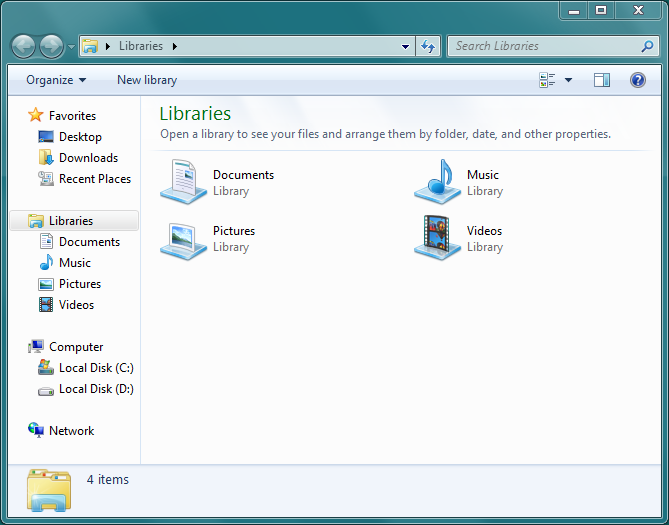
This post is not about libraries per-se. Maybe later.
Like many people, I never used libraries much. I never stored any music on my PC, nor
did I store videos. That left Pictures and Documents. I did have some pictures back in
the day, and naturally, the Pictures library was the perfect place for them. That left
Documents for everything else. Being too young to have anything I would think of as
"Documents" (My age was a single digit when Windows 7 was released), I would put all of my
files into Documents without thinking about it. That, or just leaving them to rot in the
Downloads folder.
A decade and a half later, my mental model hasn't changed much. I use Linux at home and
Windows at work, and Documents remains the place for all the files I want to store
long-term. Why is that? Most of the files there aren't documents. The original
categorization of the Documents library was for a certain type of file, but I never used
it that way. Is that a failure of the design to account for my particular use case or is
it something else?
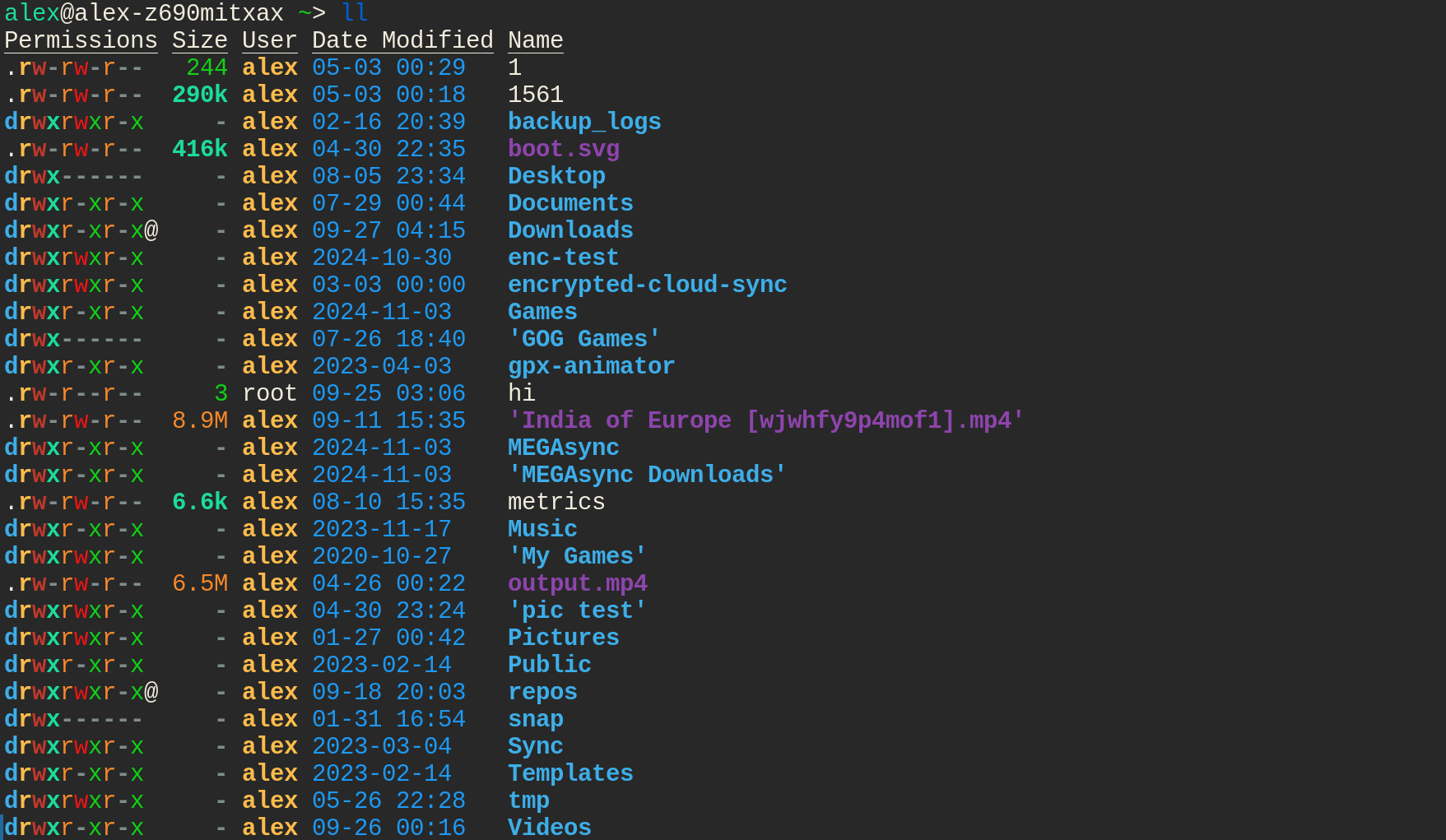
On Linux, the FHS is structured in a way that your home directory is the default place for personal files. But I still rarely put long-term individual files in there. Let's take a look at my current home directory. I haven't included hidden files/dirs because by nature of them being hidden, they aren't meant to be interacted with by default.
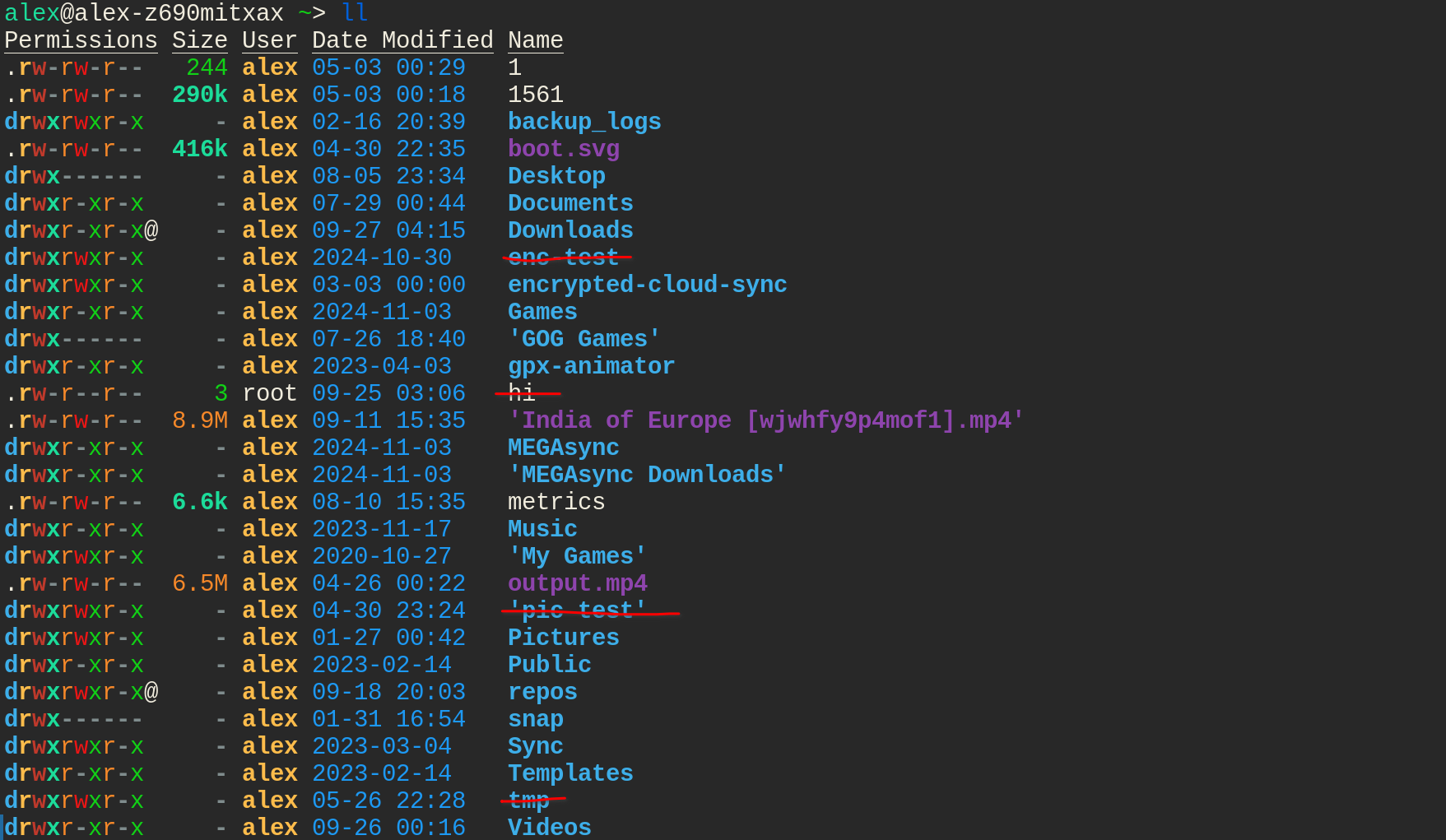
Let's remove the test files:
Other files that exist only as a buffer for transferring somewhere else:
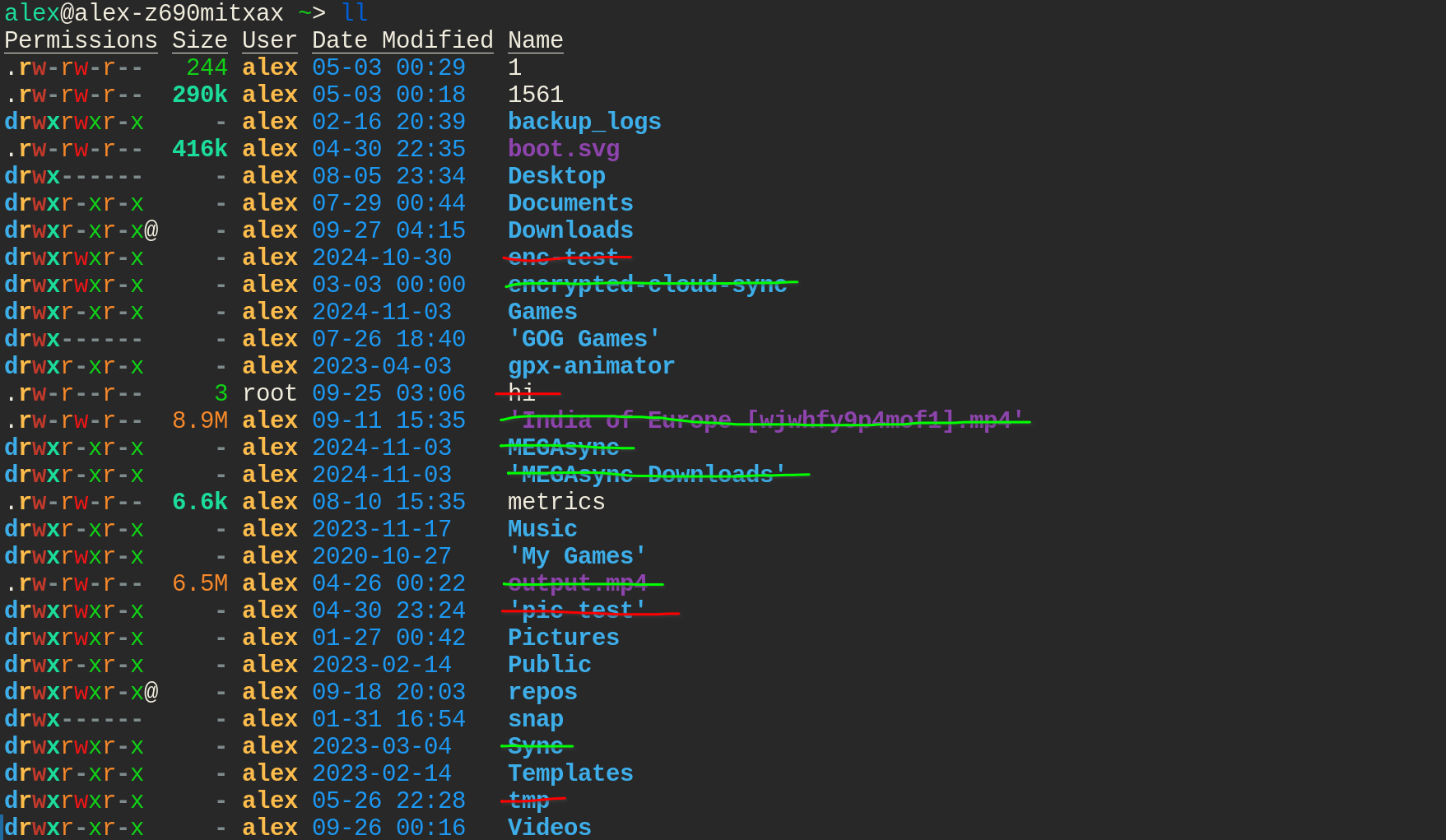
Other temporary files:
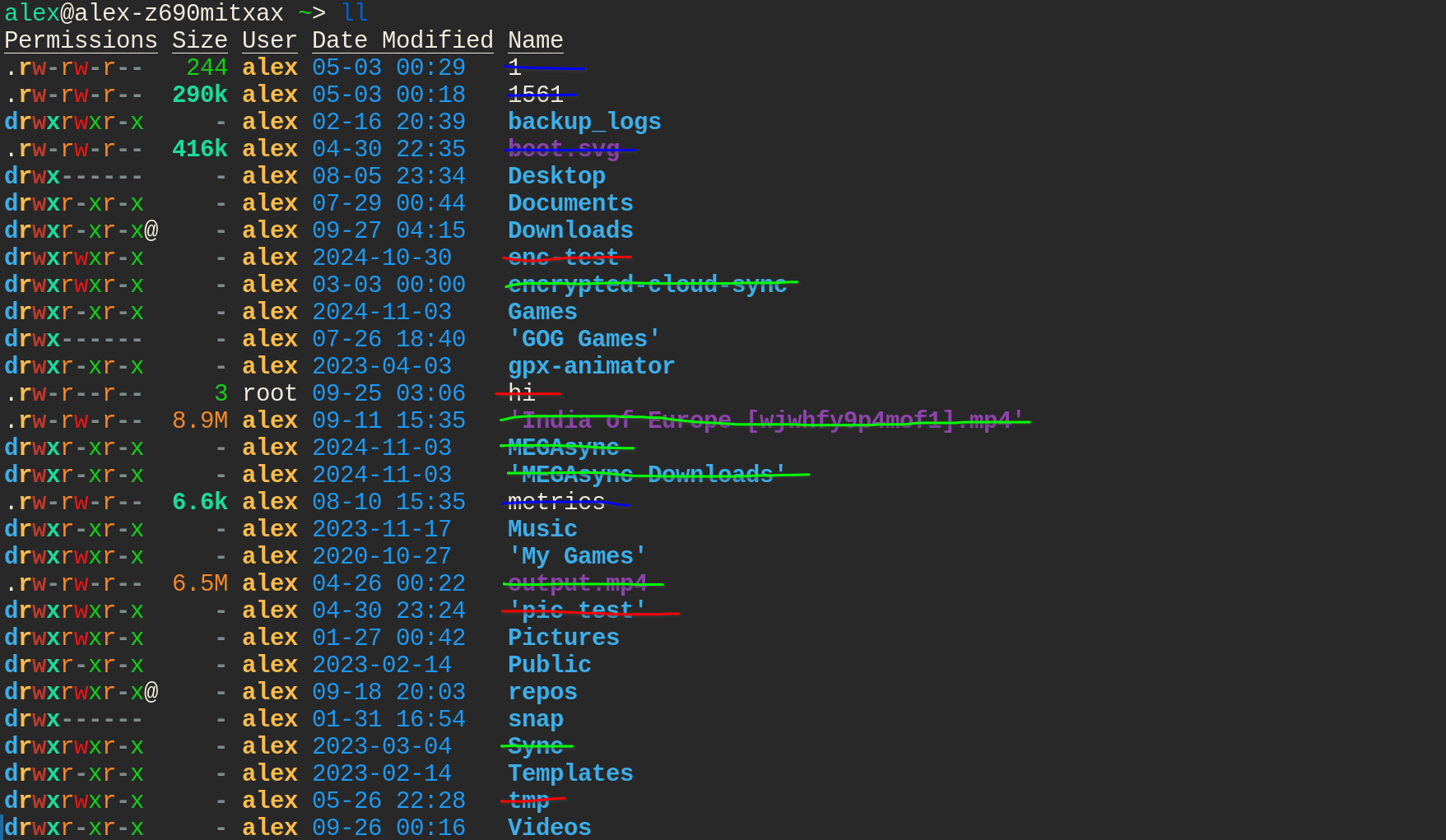
And finally, installation files:
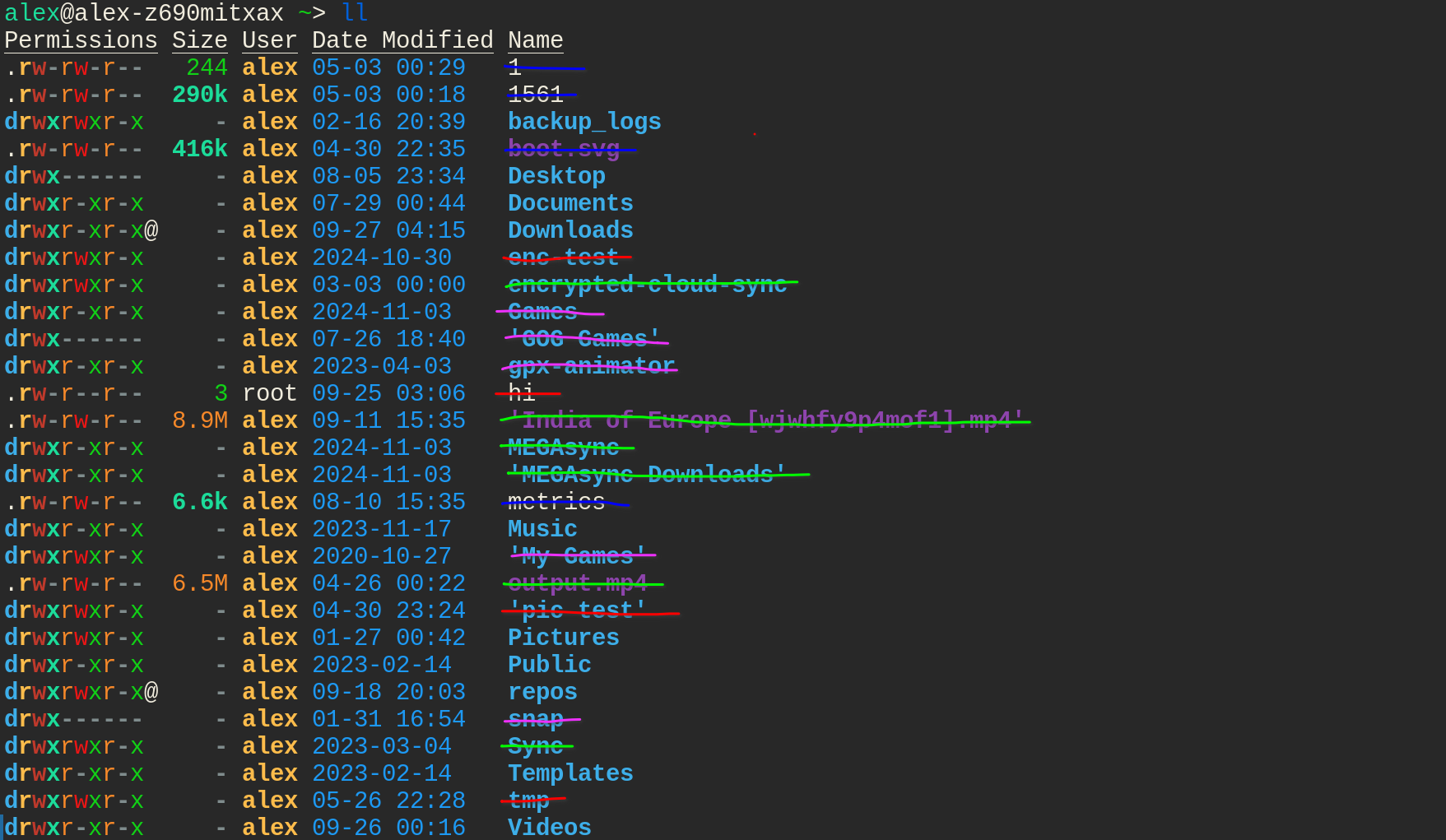
That leaves a few folders: some that I manually created myself - repos and backup logs
are quite useful and their names are generally self-explanatory. Desktop, Templates,
and Public were created by my distro 1 but I never use them. (what is Templates even
for?). Downloads is probably the best folder here in terms of usefulness and accuracy of
its name. Finally, there are libraries for various kinds of media.
Apart from Documents, I don't use the media libraries on my main drive. Media libraries
are generally large, so I like to keep them on separate drives and/or devices. Videos in
particular, can be anywhere from 0 bytes to many terabytes depending on the user.
So my home directory has a mix of various files and folders of various levels of usefulness. What about Documents?
On my current Linux machine, most of the files/documents in Documents really are what I
might call "documents" - digital-first PDFs, scanned PDFs, spreadsheets, and a few text
files. However, just like $HOME, there are a bunch of files in there that are not
documents at all. Several games store save files in ~/Documents/My Games for some
reason. I also have a few non-document folders that I created myself. But why did I do
that? they are not documents, so why not put them somewhere more appropriate. I think there are a few reasons for this.
Key point 1: The home directory is the default location for most shells.
Since the shell typically starts in $HOME, folders that are unlikely to be accessed
through a terminal unnecessarily clutter $HOME. I rarely care about using a shell to
access my documents. Rarely I may want to convert something with pandoc, but largely I
use graphical file managers to access documents. Document previews and the ability to move
files around quickly and easily with a mouse make such folders more amenable to graphical
use.
If non-shell-accessed files are not to be put in $HOME, then where else? Well,
Documents seems like the least-bad option. Such files are rarely pictures or videos, so
clearly it shouldn't go into those folders.
Key Point 2: Windows rarely presents the user folder directly to the user. As mentioned above, the libraries view is the default (or at least was for a solid decade). Despite its importance as the root of the files owned by your user account, the folder itself is rarely presented to the user by default. Since Windows 7, the libraries are presented more prominently and there is no shortcut to get to the user folder in one click unless you add one yourself.
The cynics among you may say that the purpose of that change is to push people to using OneDrive, but that integration only appeared in full force in Windows 10, 6 years after the release of Windows 7. Like it or not, Windows is hugely influential on the desktop computing space.
Thus, the libraries became the default storage location for a lot of computer users, and
as explained above, Documents got the job of being the generic one.
Key point 3: The skeuomorphic desktop paradigm is dead. Although the Desktop was
originally envisioned as a digital analogue to the physical desktop in front of you, such
as in the interface of the original Macintosh
computer, and although many of
use have seen desktops like this:
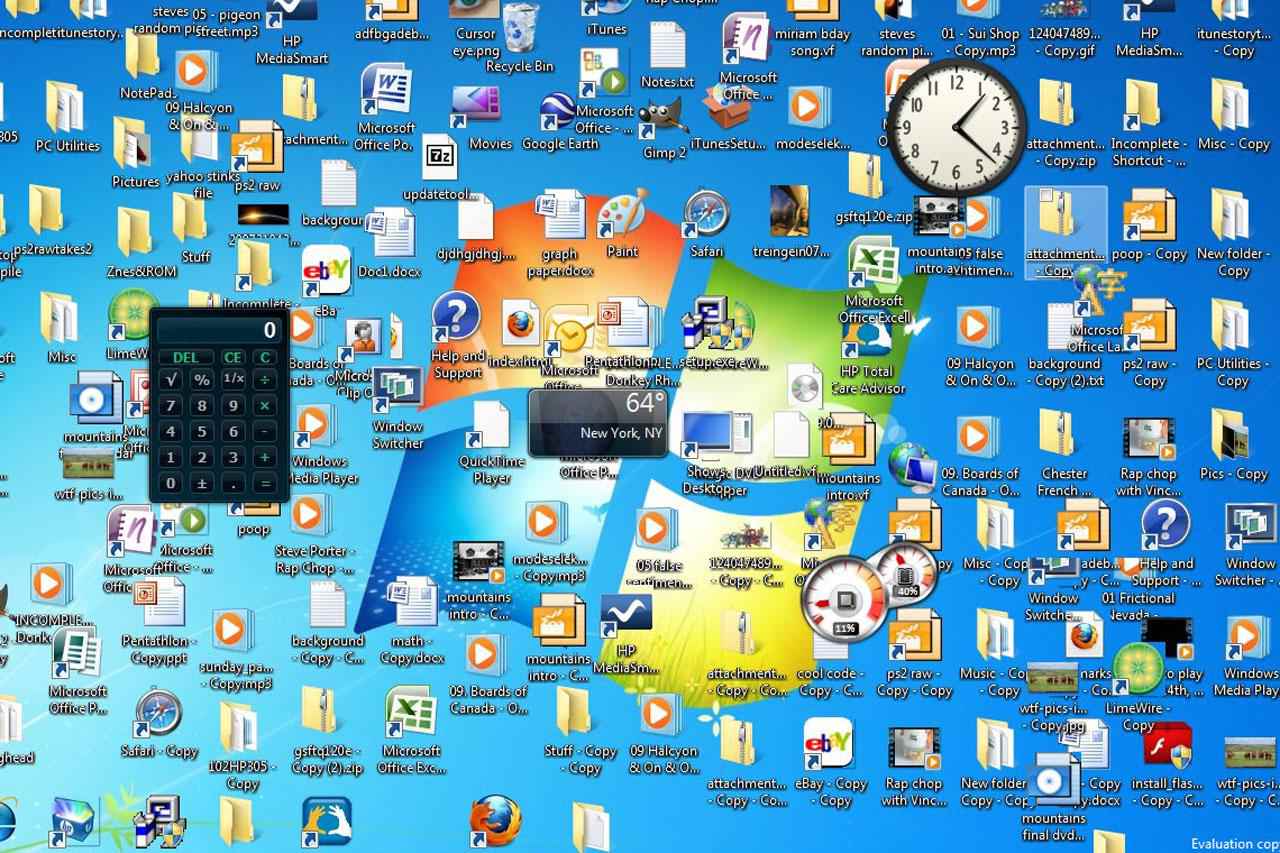
The idea that your digital desktop mirrors your physical one is a relic of the past. As time marches on, the number of people for whom a desktop computer is a new concept will steadily decrease. Many kids today, at least those born in relative privilege, interact with technology from such a young age that these concepts form at the same time as their understanding of the physical world and what a "desk top" is. Even for people that are not digital natives, desktop computers have been around for many decades at this point, so the concepts should rarely be foreign. And thus, this metaphor intended to ease the transition from physical to digital office work has outlived its purpose, and is no longer a primary concern for UI design.
So what's the point - does this matter?
Not as much as it used to. With cloud-first OSes actively pushing people towards storing
files in the
cloud
and relying on
search
rather than navigation to find files, the distinction between $HOME/Documents and
$HOME (and their analogues on other OSes) just isn't super relevant anymore. But I was
curious about all the non-document files in my Documents, and since you made it here,
seems like you were too.